
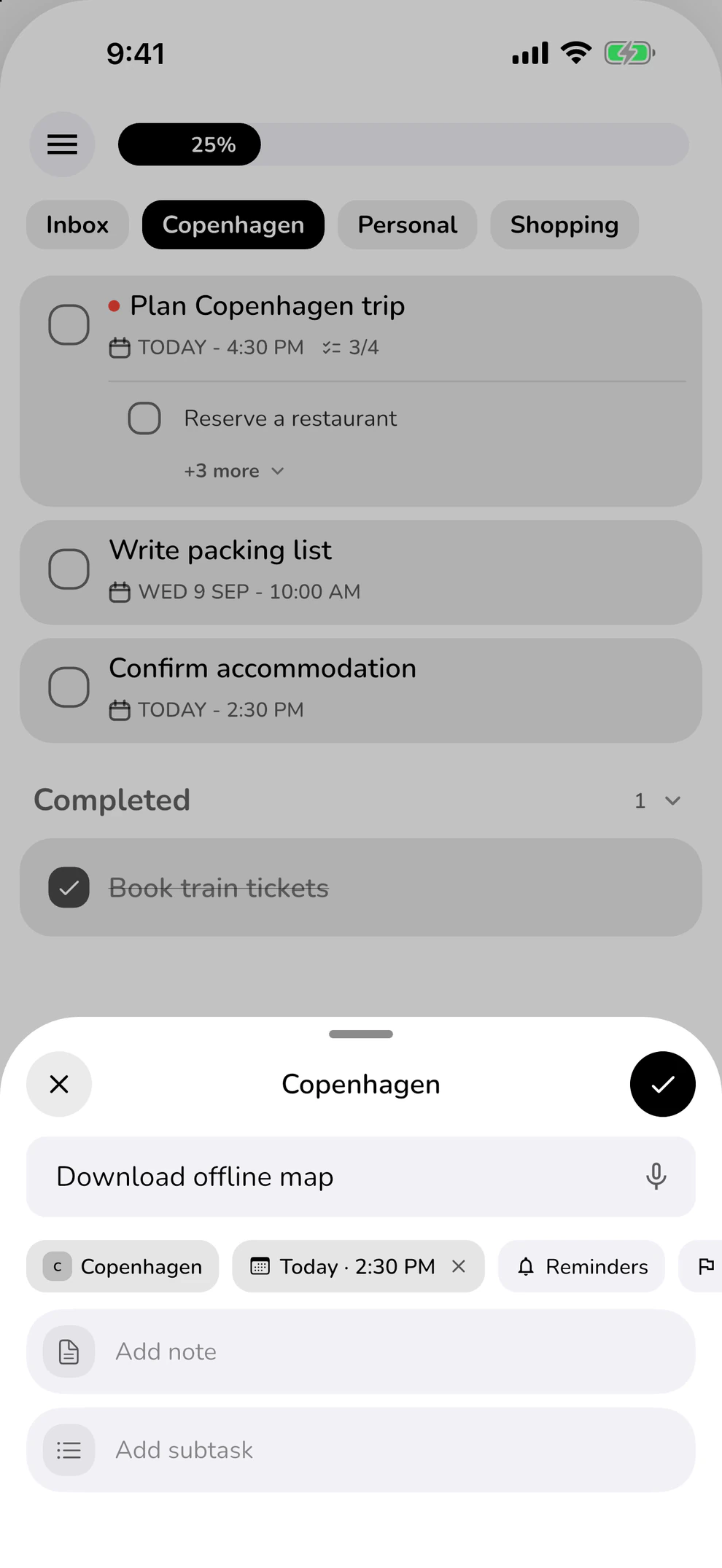
Quick Add
Catch it while it’s fresh.
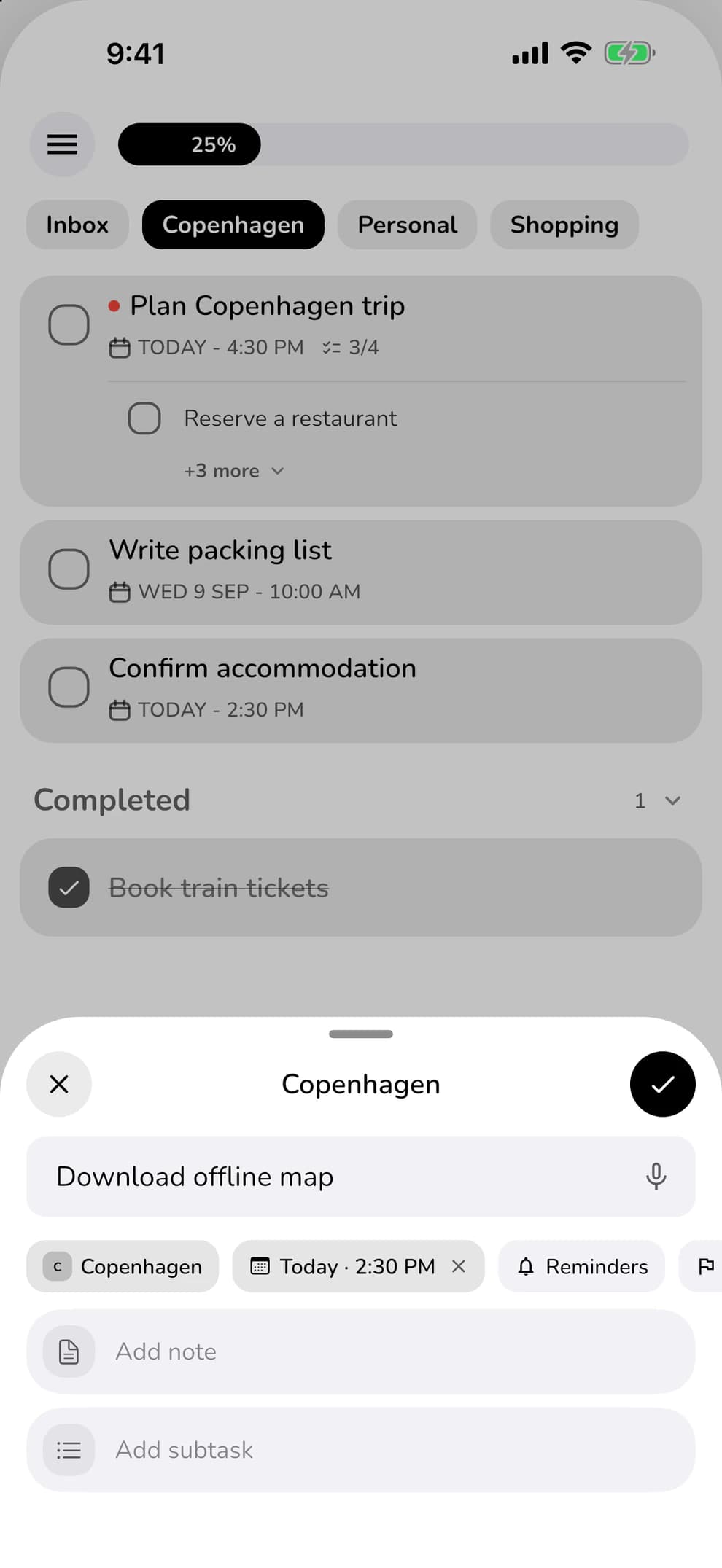
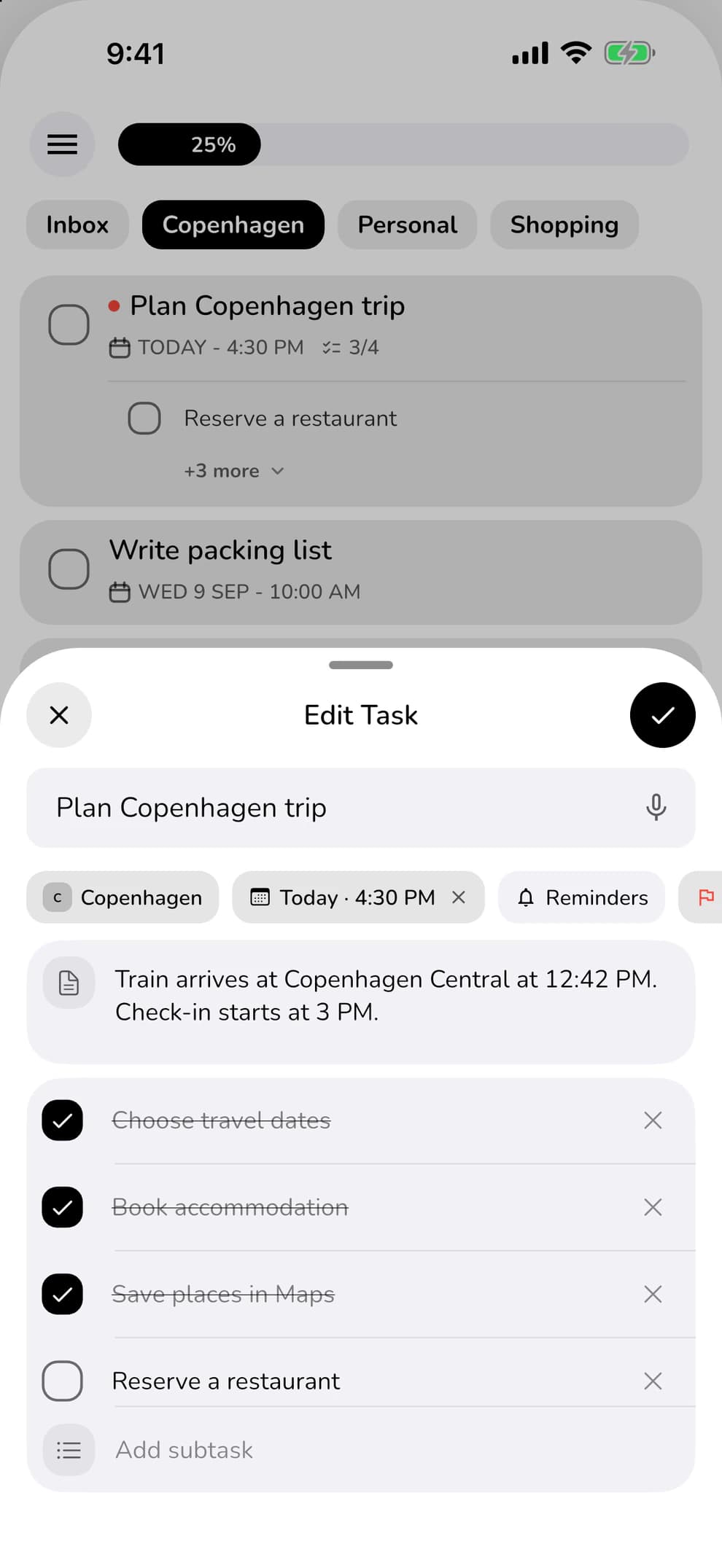
Type a task, choose a list, set a date. Your next step is already written down.
The trip, the groceries, the next good idea. Give your tasks a place and clear your head for everything you want to do.
Start free. No account needed.
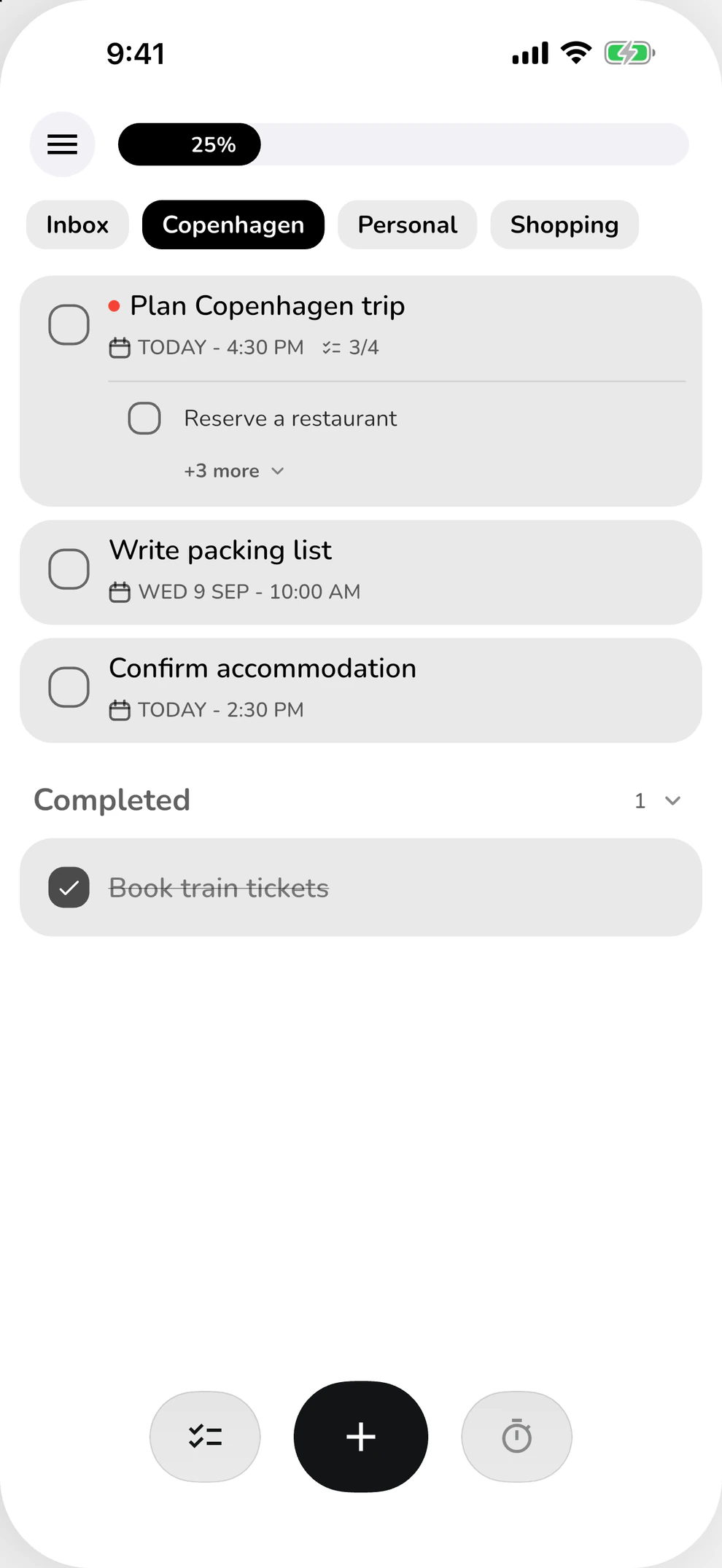
Capture it. Break it down. Enjoy getting it done.
Type a task, choose a list, set a date. Your next step is already written down.
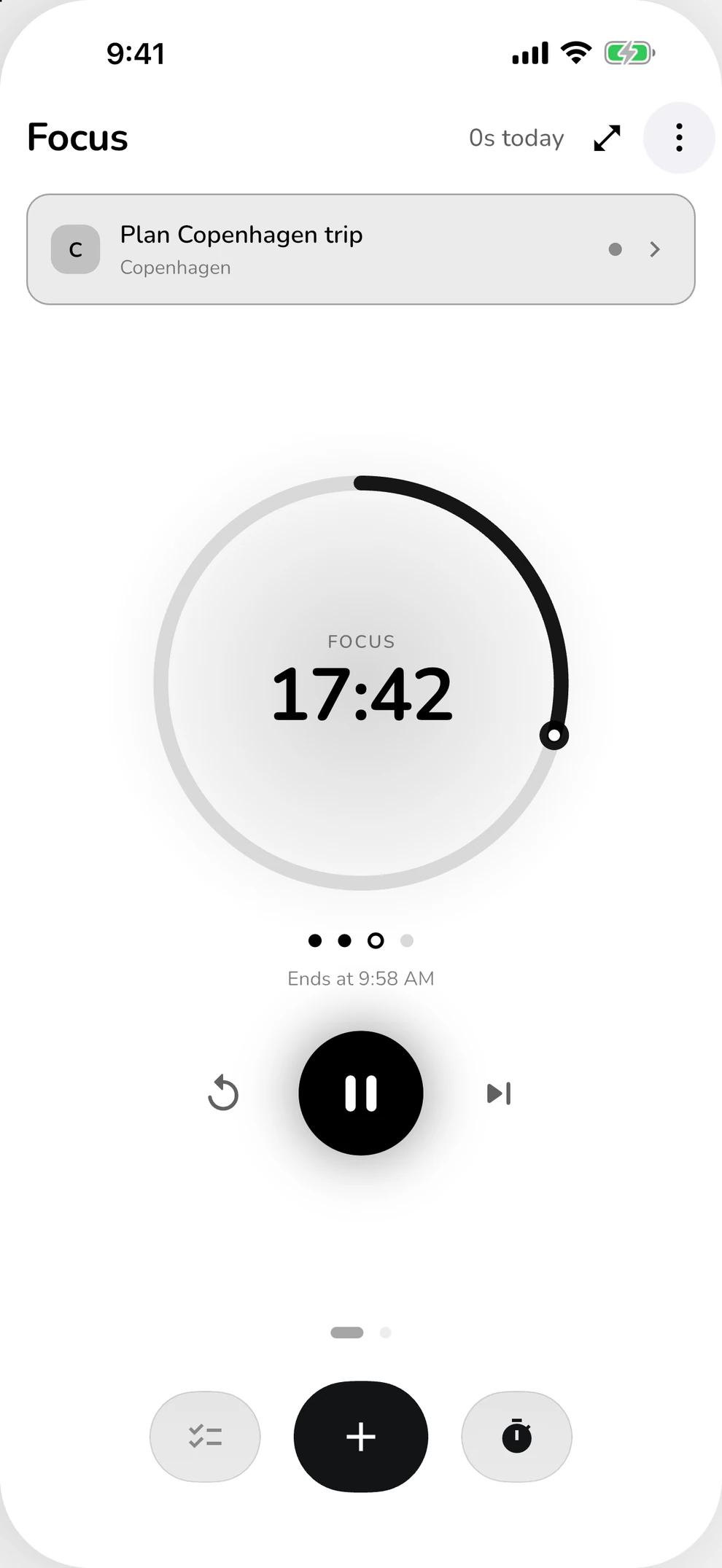
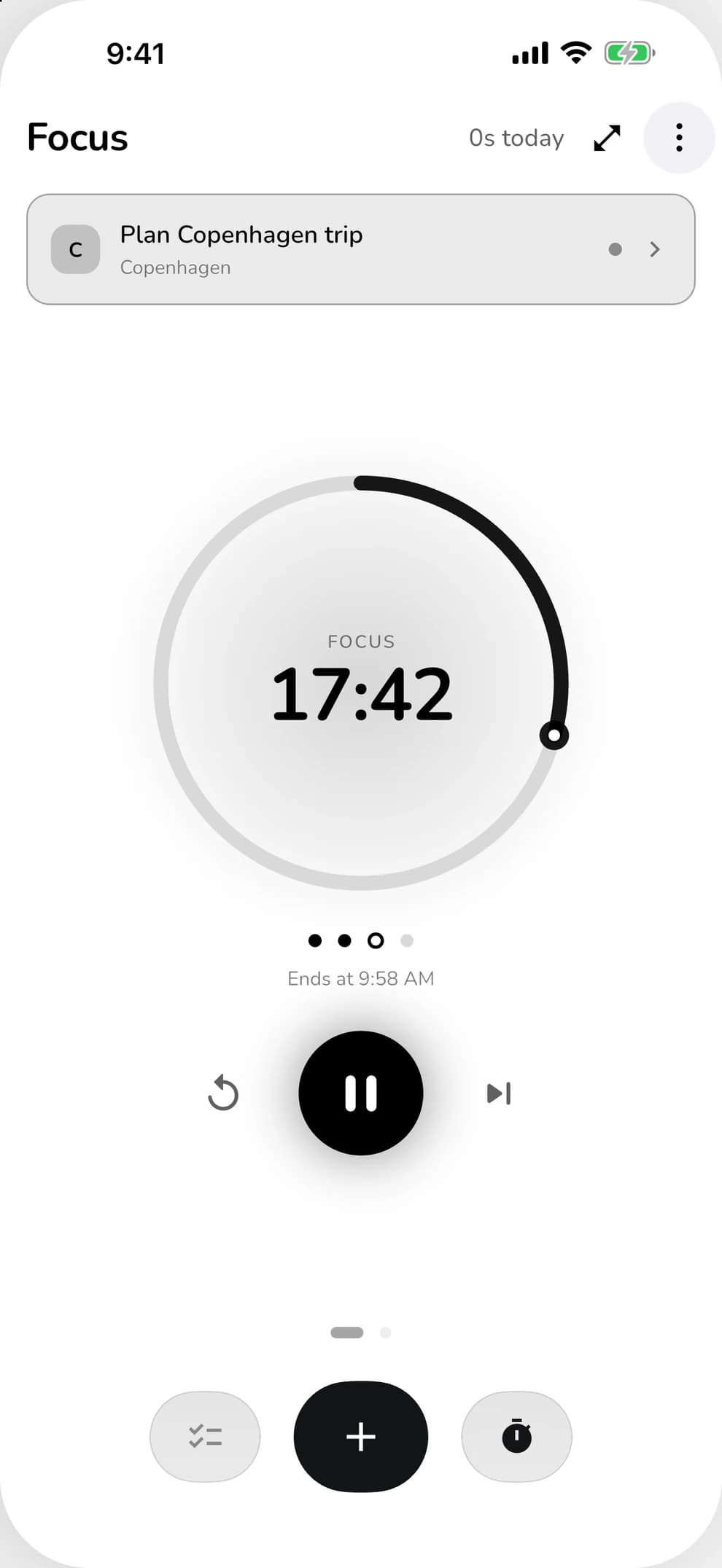
Choose a task and start the focus timer. Everything else can wait a little.
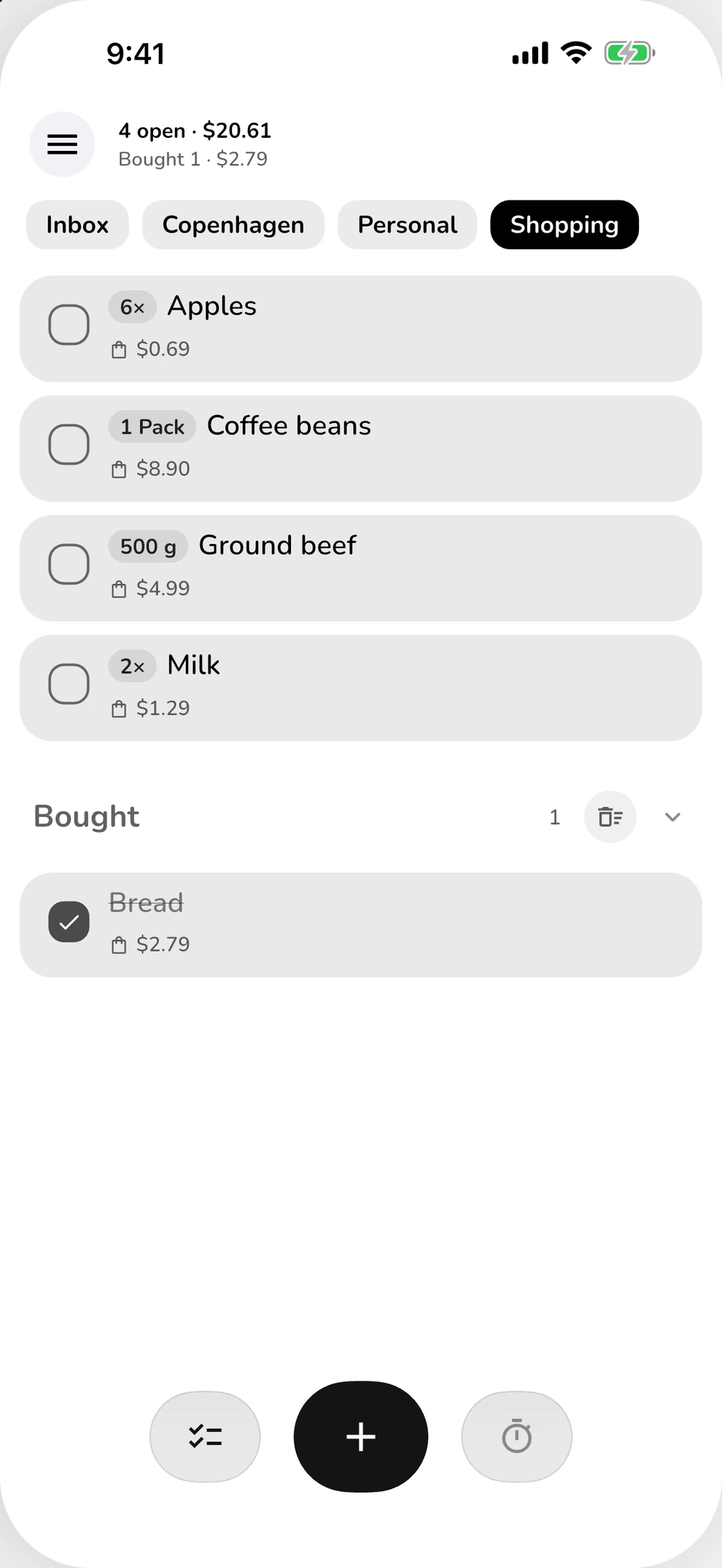
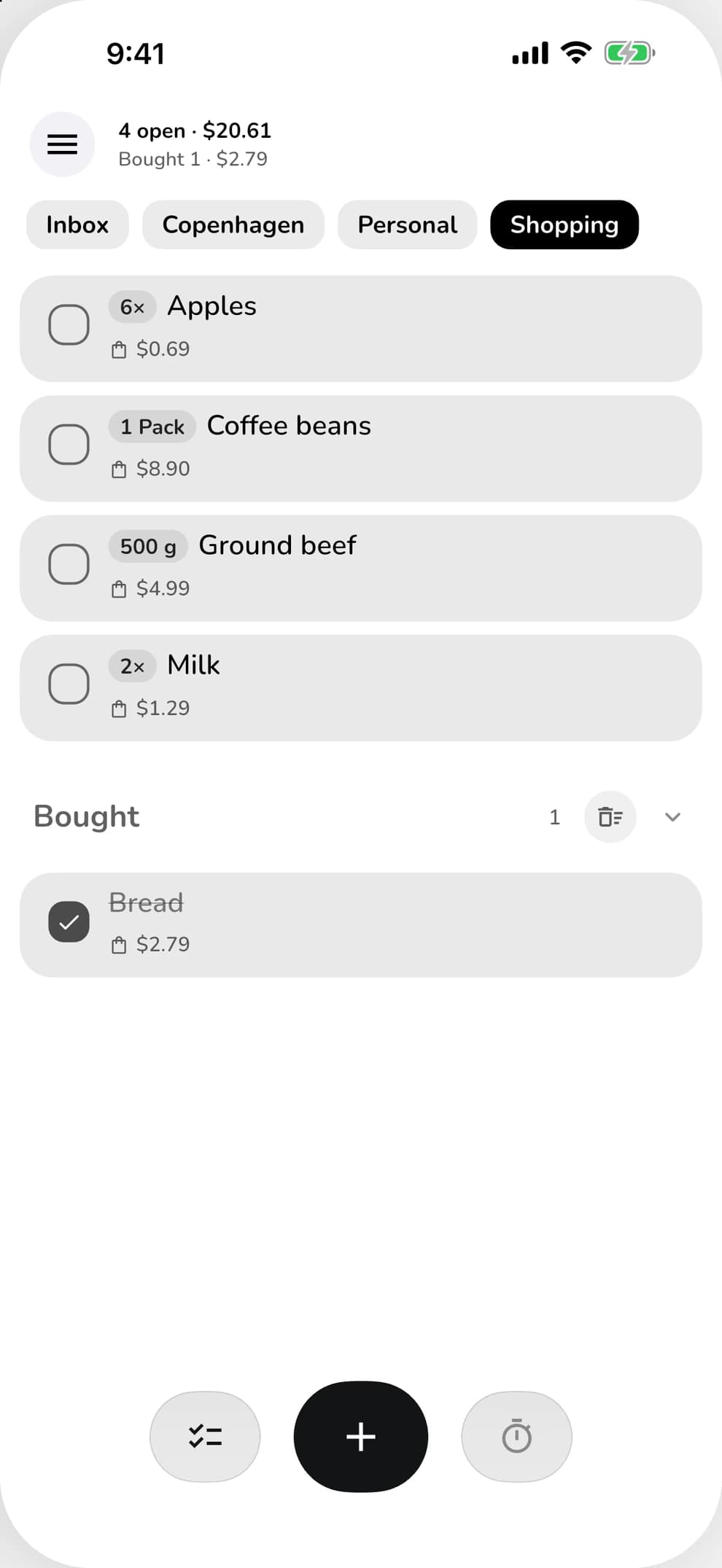
Quantities, units and prices right with each item. So you remember it all at the store.
Break a task into subtasks and watch your progress with every check.
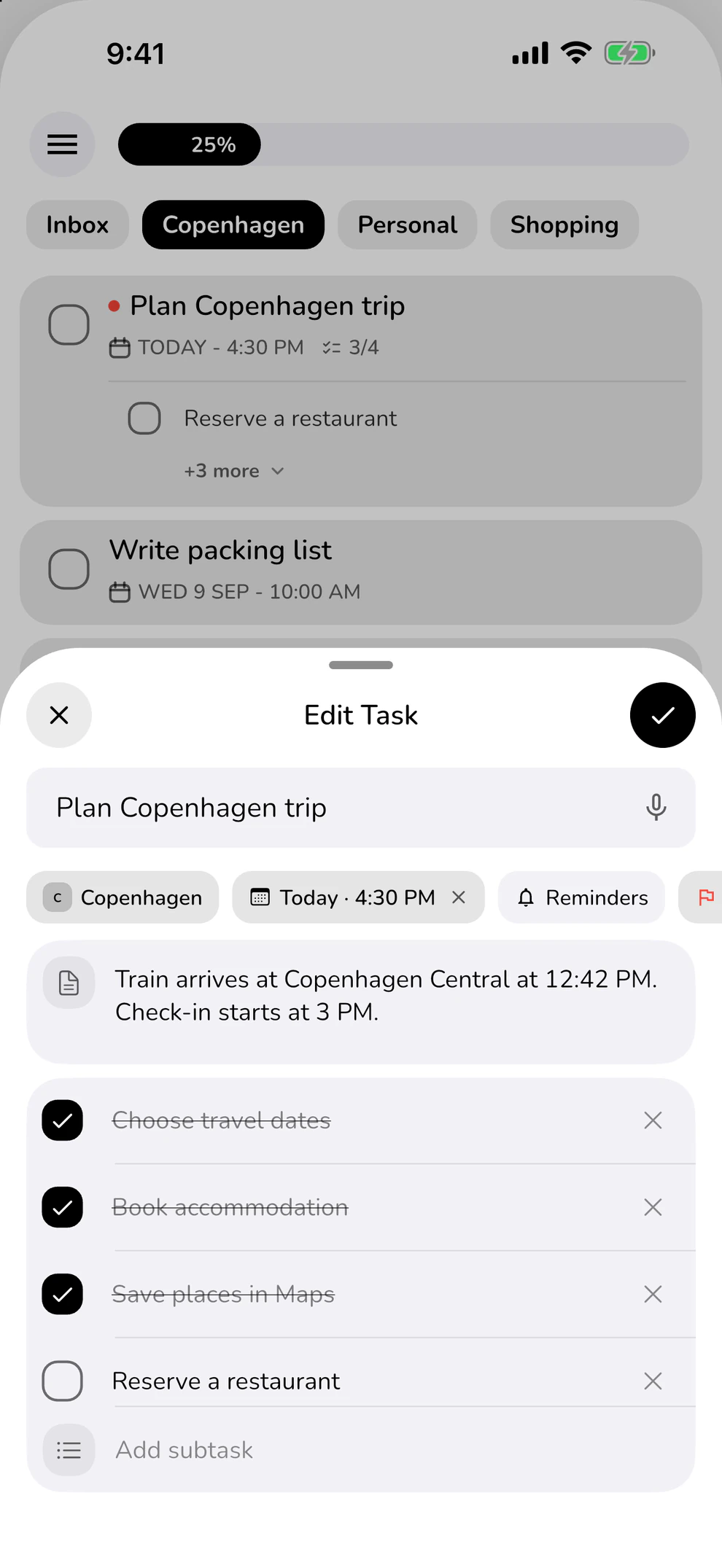
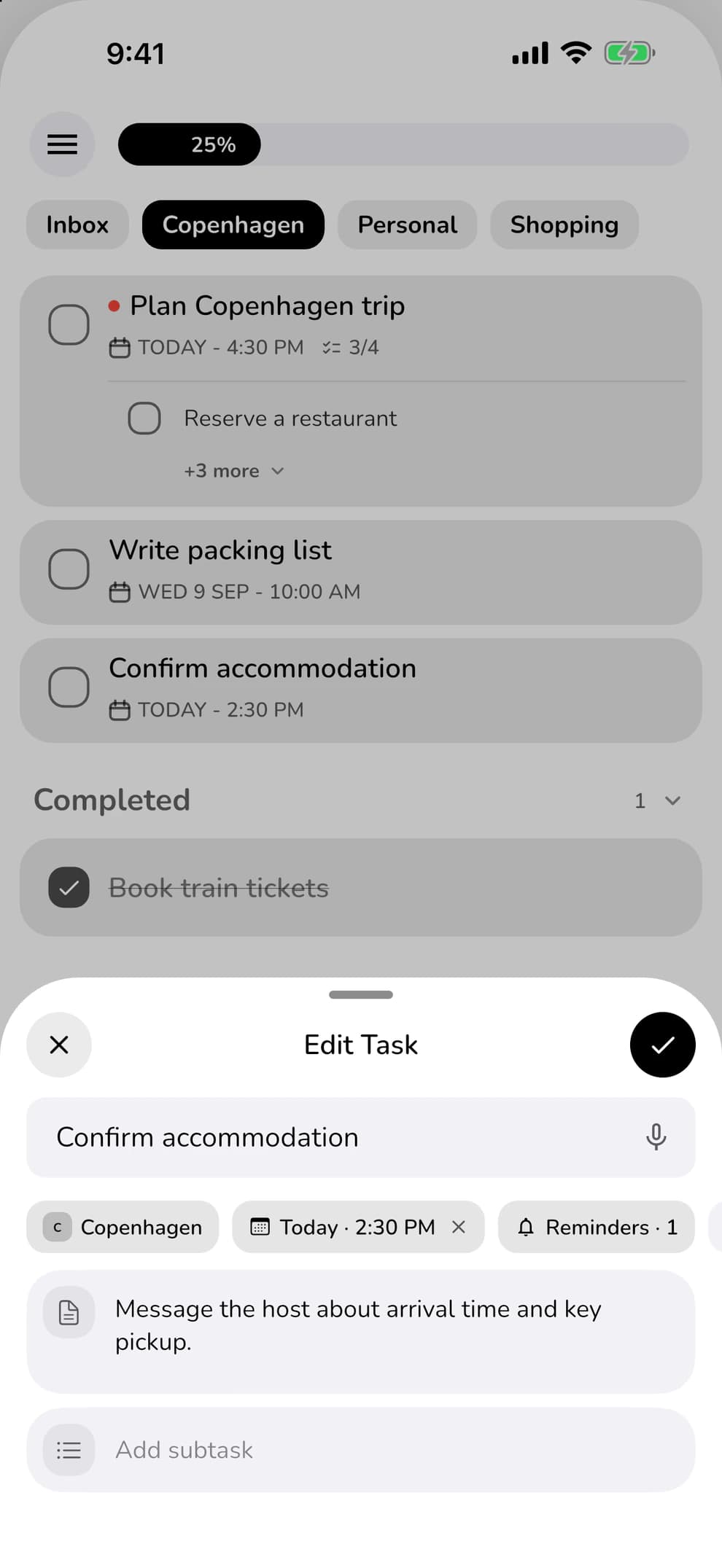
Give your task a date. ClearDo reminds you when it’s due.
Swipe through real app captures, from the overview and Quick Add to shopping lists and the focus timer.
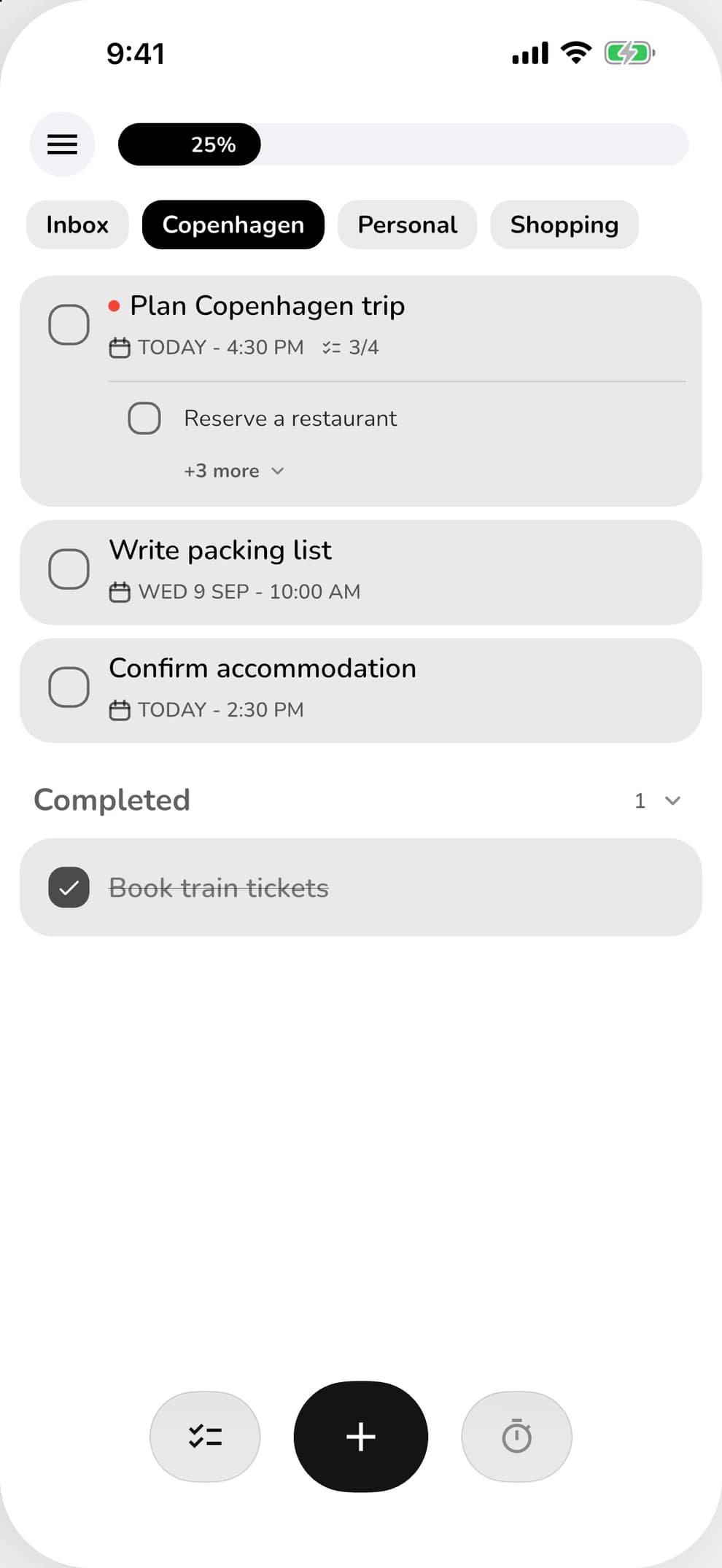
Your lists on the left, your tasks on the right. On iPad, there’s more room for everything that belongs together.
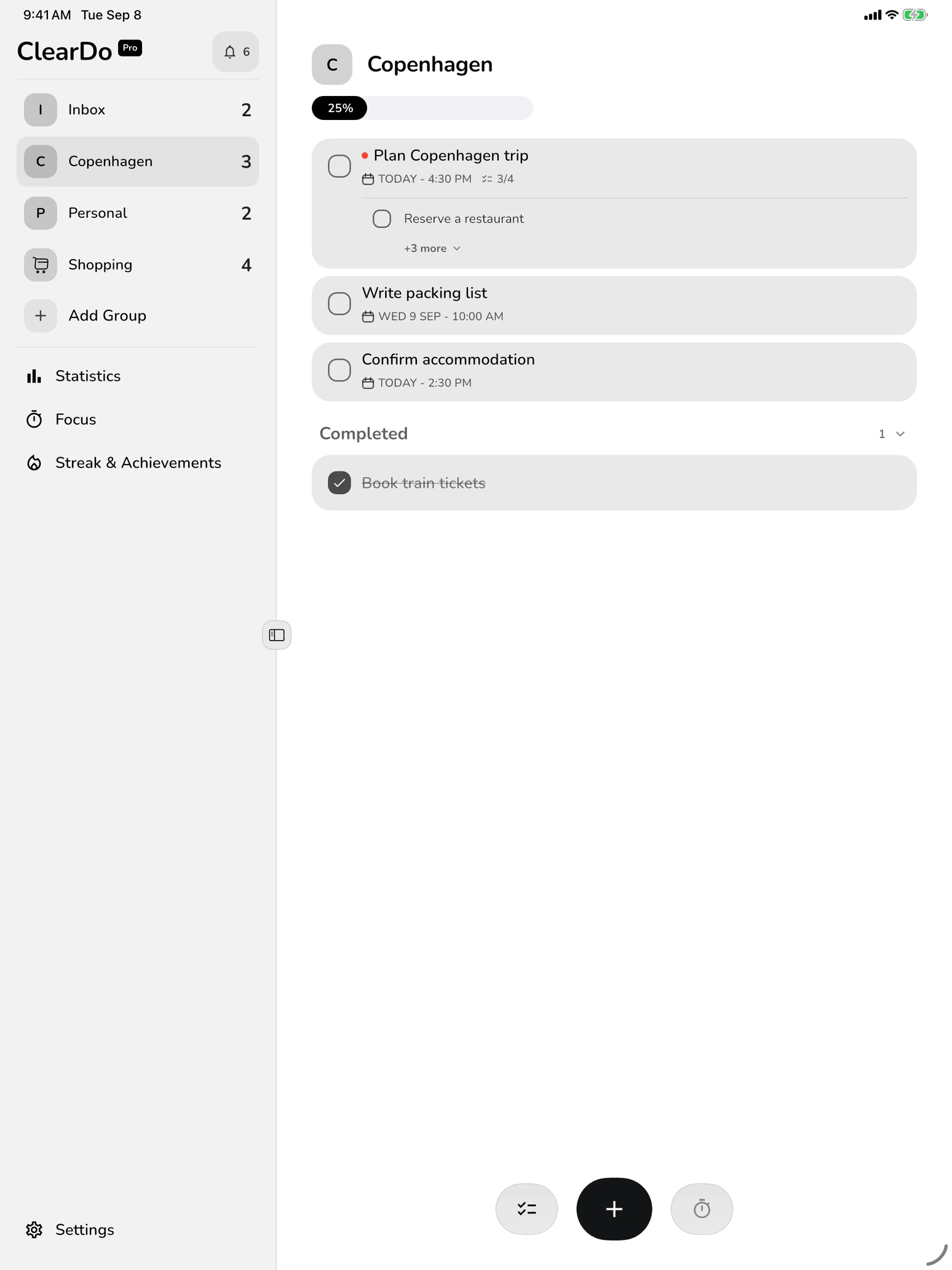
A dedicated iPad layout with a sidebar and plenty of space for your plans.
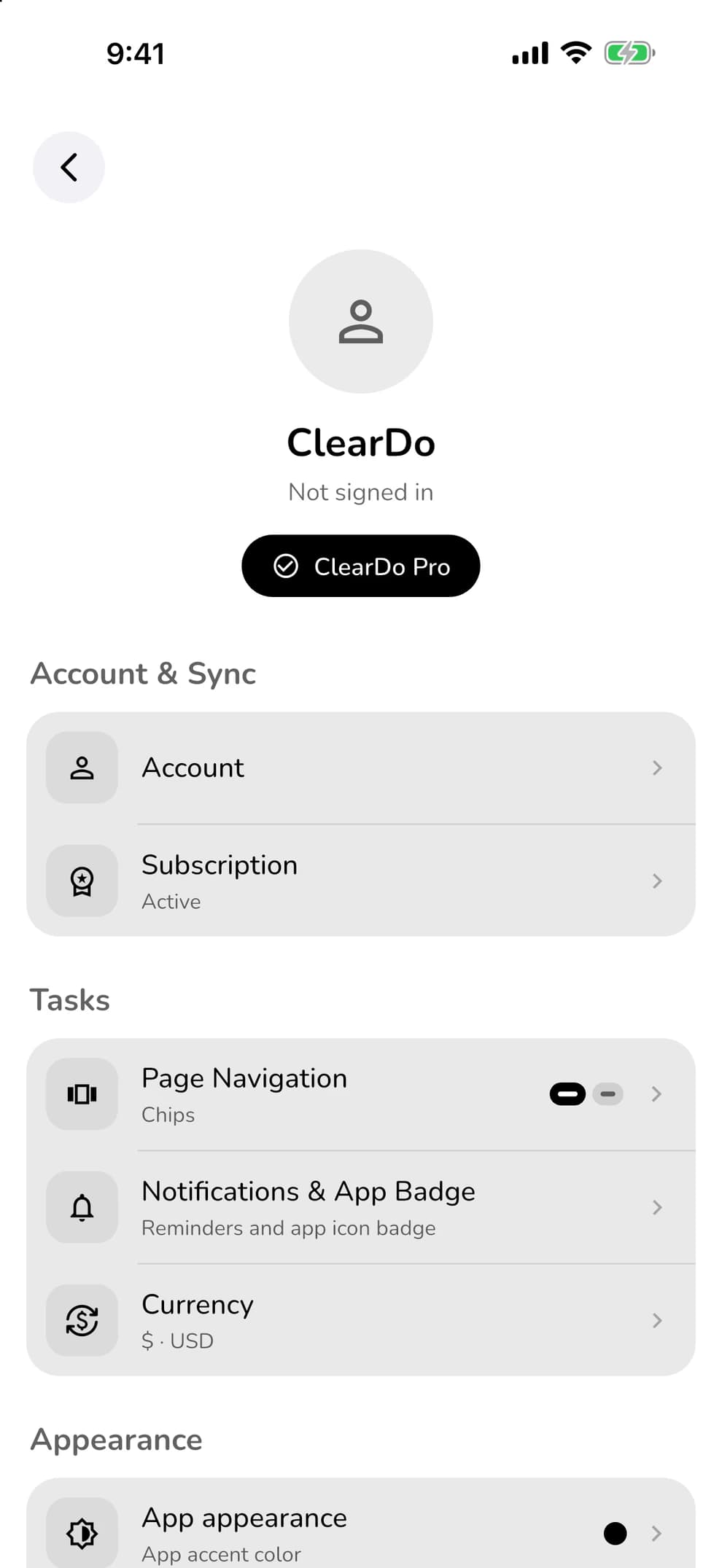
ClearDo stores your tasks on your device. Get started right away, even without the internet or an account.
Sign in with ClearDo Pro and your tasks sync automatically.
Your next task is a good place to start.
 Free for iPhone and iPad. More possibilities with ClearDo Pro.